For writers, developers, and researchers who type tens of thousands of words each week, a high-quality mechanical keyboard is not just an enthusiast hobby—it is your primary tactile connection to creative work.
Understanding Switch Ergonomics: Tactile vs. Linear
Selecting the right switch profile depends directly on your typing style and acoustic environment:
- Tactile Switches: Provide a subtle physical bump at the actuation point, confirming keystrokes without needing to bottom out keys. Ideal for writers and editors who appreciate tactile feedback without loud click sounds.
- Silent Tactile / Silent Linear: Feature internal silicone dampeners that mute both upstroke and downstroke clatter, making them perfectly suited for open offices or shared living spaces.
- Actuation Weight: Aim for medium spring weights (45g to 55g). Overly heavy switches cause finger fatigue during marathon writing days, while ultra-light switches lead to accidental typos.
The 75% Layout: The Ergonomic Sweet Spot
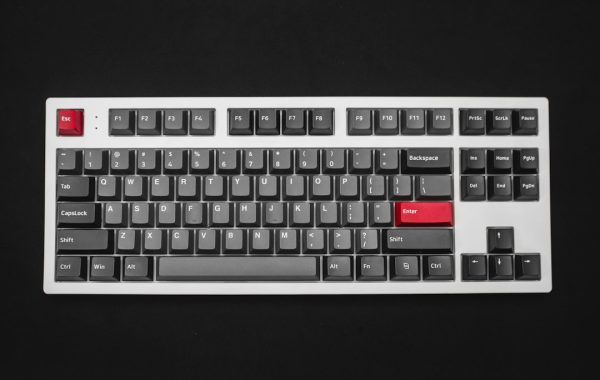
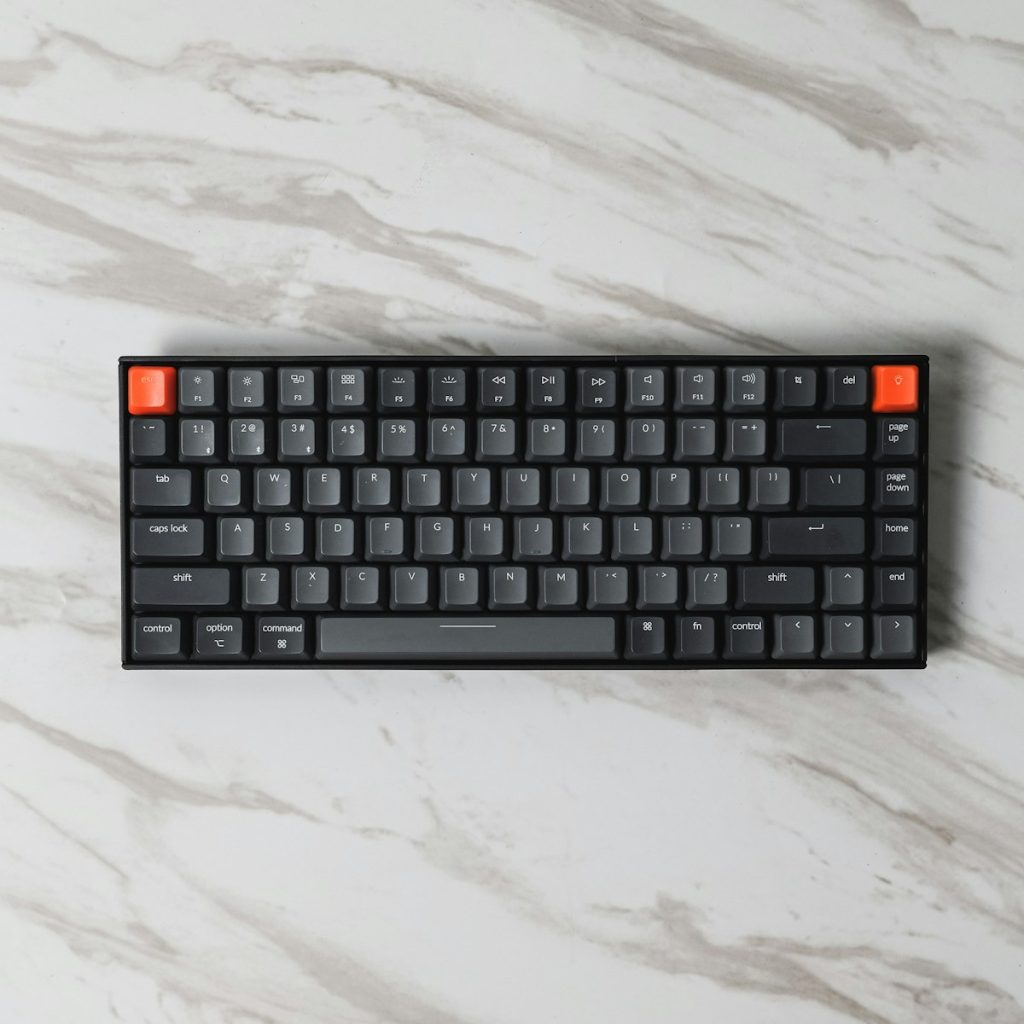
While full-sized keyboards include a number pad, they push your mouse arm uncomfortably wide, causing subtle shoulder strain. Compact 75% layouts retain dedicated arrow keys and function rows while bringing your mouse closer to your body’s centerline for neutral shoulder alignment.
“Investing in keycaps with gently sculpted profiles and textured PBT material prevents finger slippage and keeps typing effortless and tactile.”
Gasket Mounting and Acoustic Dampening
Modern keyboards utilize silicone gasket isolation mounts that cushion the switch plate, absorbing vibrations and providing a softer, flex-enhanced bottoming-out feel that protects finger joints during long writing sprints.